
A record of your work with AI
See your AI's tasks.
No extra work for you. Amenbo keeps the records automatically. What's to do becomes visible, stays organized — and your AI reads fewer tokens.
Works with these AI agents
 Claude Code
 Codex CLI
 GitHub Copilot
 Cursor
 Gemini CLI
- Your own agent
The problem
Make AI agents easier to use — free
Your AI does remember. But that memory lives only inside the AI, where you cannot see it. Amenbo solves that.
You can't see what it remembers
Which decisions it built on, what it forgot — invisible from outside, so you can't trace why.
Long work gets dropped
As the exchange grows, the AI sheds the oldest parts. You stall in the same place again.
Switching means starting over
Move to another AI, or just to another day, and the context doesn't come along. You explain again.
The answer
The record stays on your device.
Not inside the AI — in your hands. So you can read it, it doesn't vanish, and any AI can pick it up.

Works with
Switch AIs, continue from where you left off.
The substance of the work lives in your device's records. So the AI you use is freely replaceable.
One record at the centre. Every agent reads and writes the same one.
In the app
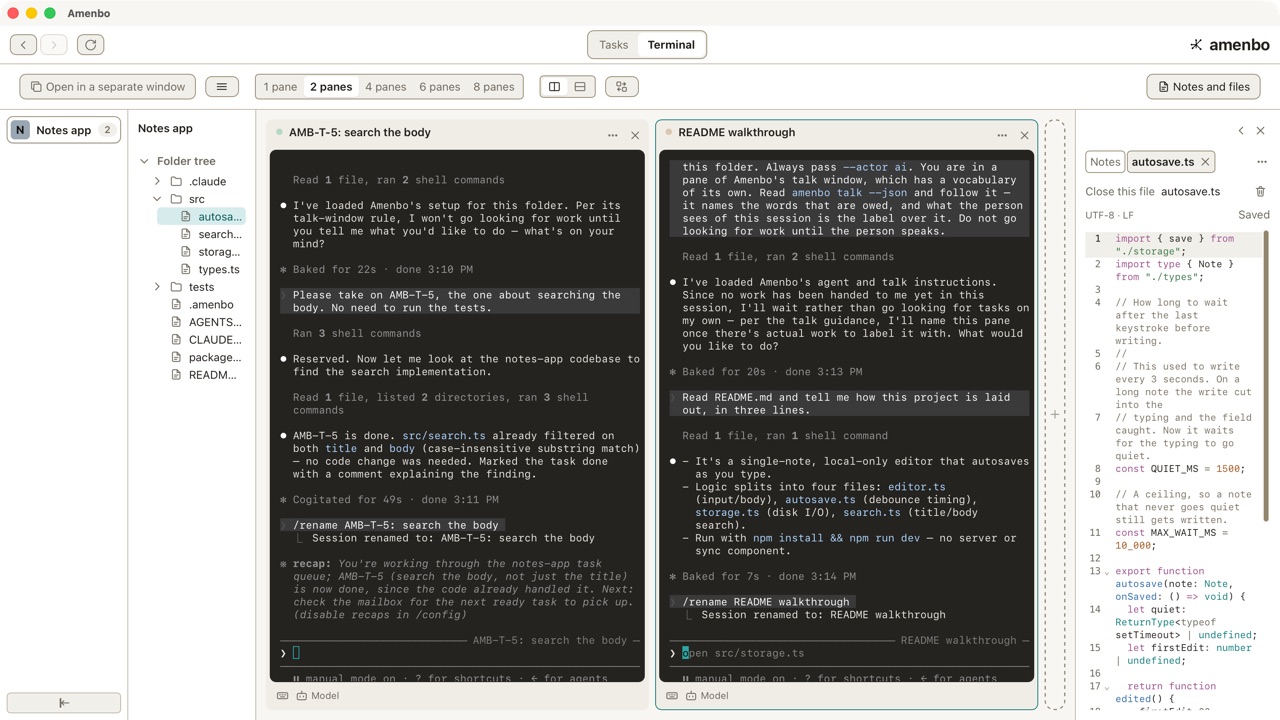
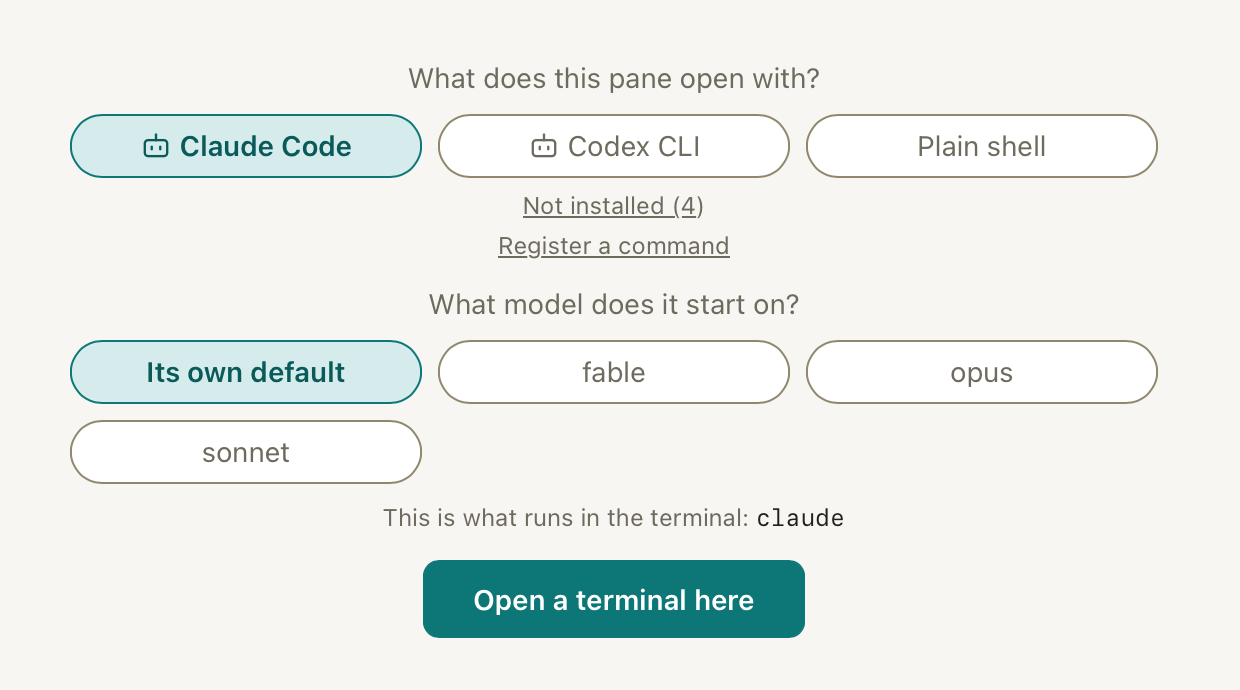
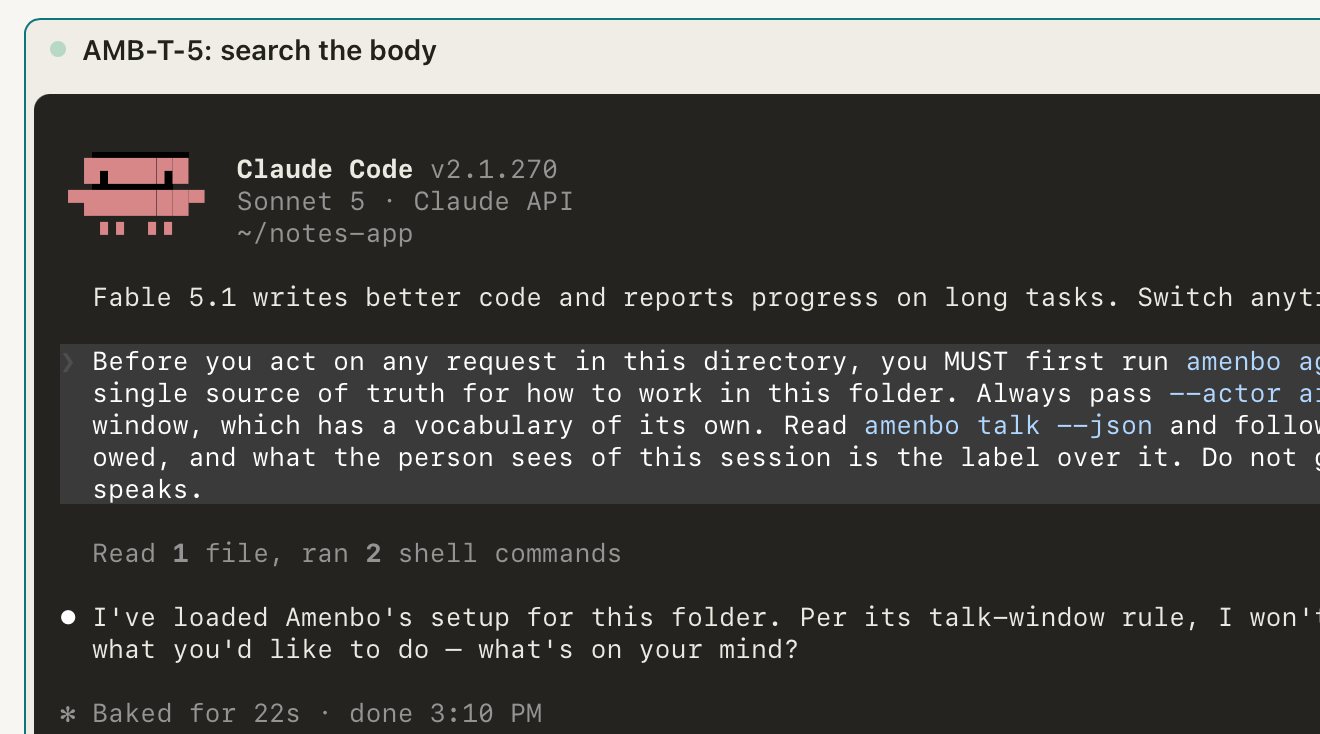
The AI runs inside it.
Open Amenbo and an AI agent runs in it. Split the panes and each one takes a different job. In the column beside them you read the very code the AI is touching.
Hands off
No extra chores — the AI writes and clears the tasks.
You write only the first request. Raising tasks and marking them done happens on the AI's side, as it works. Either in a pane of Amenbo, or in your own terminal.
Before
You raise them, you clear them. Eventually you can't keep up.
Amenbo
- Decided the designdone
- Implemented savingdone
- Writing the testsin progress
Raised and cleared by the AI. You only asked.
Interfaces
CLI for the AI, GUI for you.
Two windows onto the same record. The AI reads and writes by command; you overlook it on a board.
// for humans — GUI
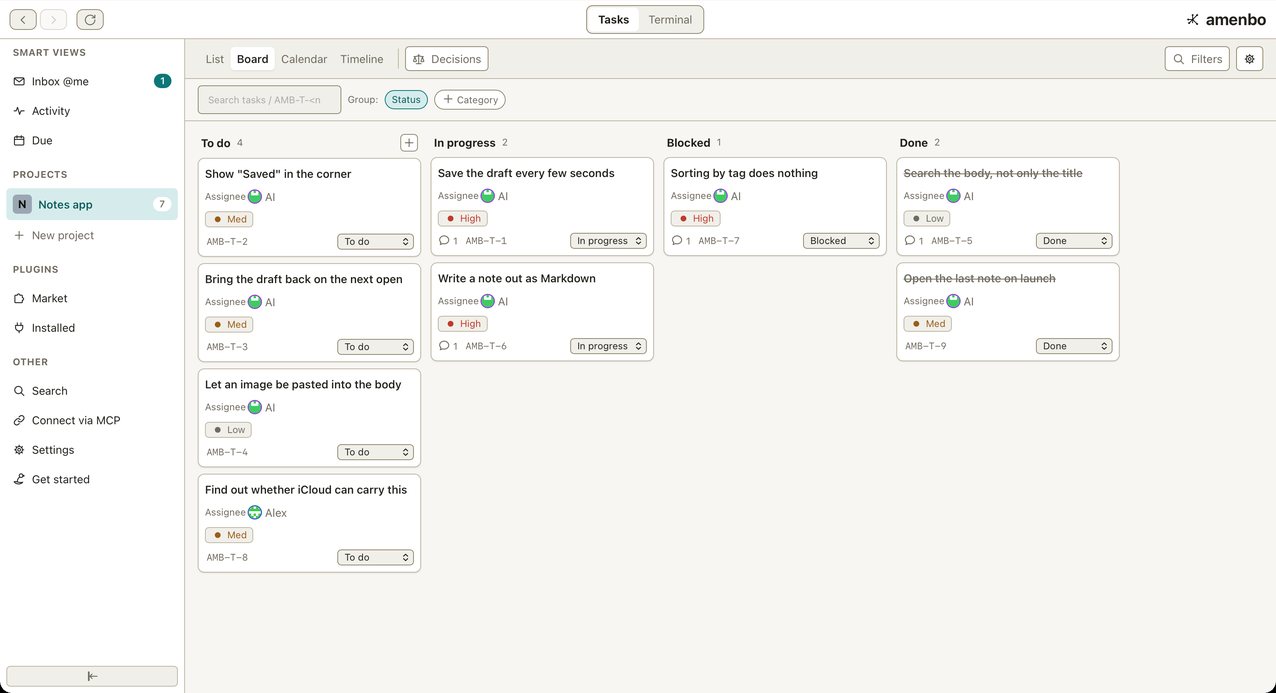
You survey it — board, timeline, dependency graph. The AI drives; you watch over it.
Measured
The same answer in about half the steps — fewer tokens.
The records are linked, so the AI follows a few lines instead of rereading the whole history. It also reads 1.4–1.9× less.
Steps to answer the same question (measured, median)
Get started
Just hand it to your AI.
Free to use. Install, pick one folder, hand your AI the request. That's your whole part.
- 01InstallmacOS / Windows / Linux.
- 02Create a projectName it and choose the folder to manage.
- 03Hand your AI the requestCopy it and paste it to whichever AI you use. Any AI works.
For developers
An AI reads amenbo agent --json and follows intake → list → reserve → execute → finish. Reserving is a compare-and-swap, so parallel sessions never double-work a task.
Projects are isolated; an agent cannot read or write outside its own. Releases are built by public CI with verifiable attestation. Apache-2.0.